For clients
Booking with your practice, made simple
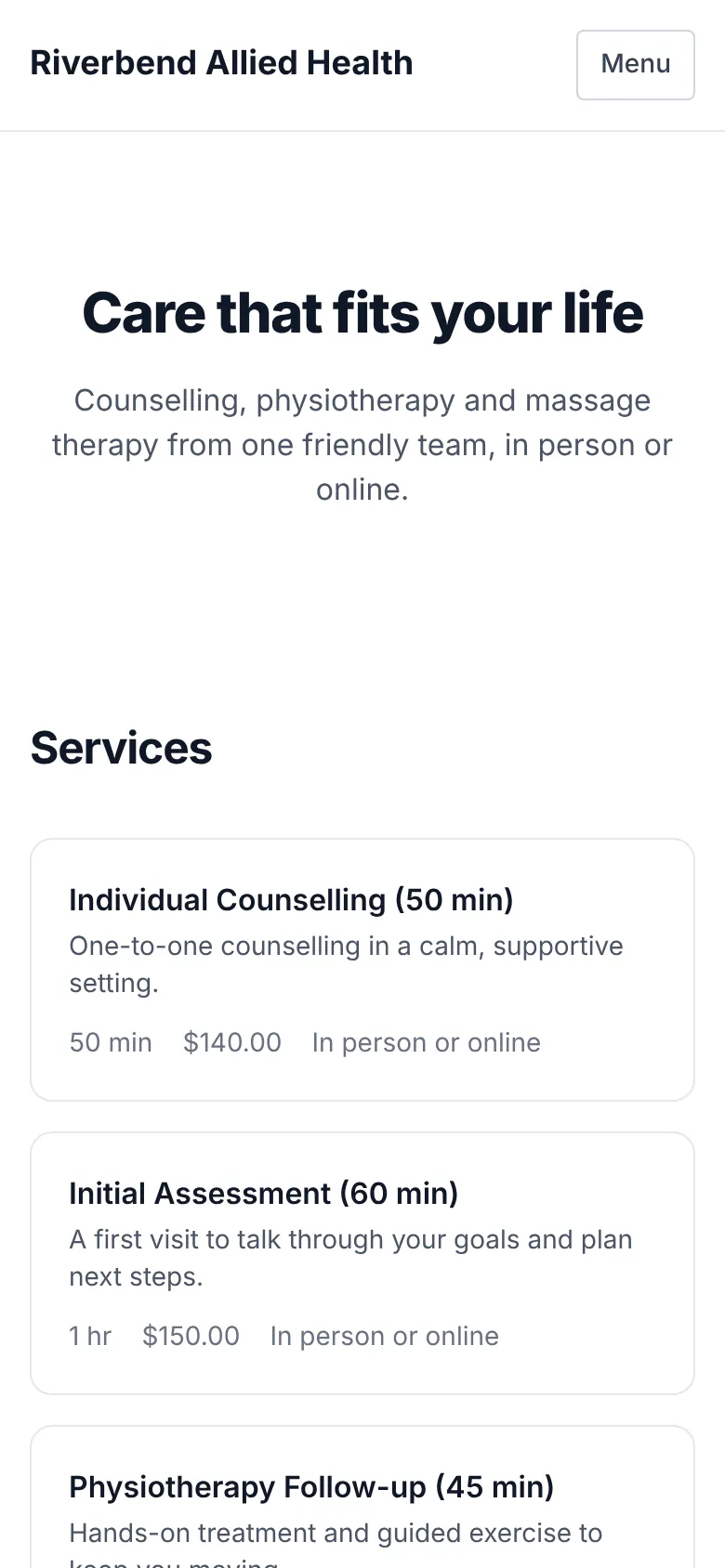
If your practice uses PRAMSO, you can book and manage your appointments online, without a phone call.
How it works
Three steps to your appointment
Find your practice
Go to your practice's website. Your practice can give you the link, and you can browse it without signing in.
Register with the practice
Create an account and register as a client of that practice. You only do this once.
Pick a time
Choose a service and a time that suits you from the practice's real availability.
After you book
Manage your appointments yourself
Your client area lists your upcoming visits and keeps your details in one place.
- See your upcoming appointments
- Reschedule or cancel an appointment
- Keep your contact details up to date
- Pay an invoice online, if your practice has set that up
You deal with your practice
Appointments, questions and any payments are between you and your practice. For anything about an appointment, contact them directly.
Nothing to buy from PRAMSO
PRAMSO is the software your practice uses. You do not need to buy anything from PRAMSO.
Common questions
Do I need an account to book?
You can look around your practice's website without one. To book, you create an account and register with the practice.
How do I find my practice's booking page?
Ask your practice for the link to their website. PRAMSO does not list practices; each one has its own website.
Who do I contact if I need to change something?
Your practice. You can reschedule or cancel from your client area, and your practice can help with anything else.
Run a practice? Put it on PRAMSO
Give your clients a simple way to book with you. Create an account to set up your schedule, services and practice website.